Project#
A project serves as a workspace or namespace where users can create and manage resources such as dashboards, variables, and data sources. Every dashboard must belong to a project. Projects can be either personal or collaborative, depending on the intended usage and access permissions.
Working with Projects#
Using the UI#
You can search among the existing projects using the search bar:

If server permissions allow, you also have the possibility to create your own project:

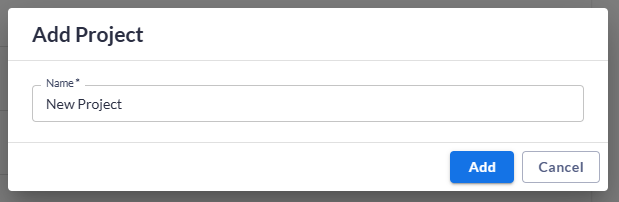
You will then be redirected to your newly created project workspace.
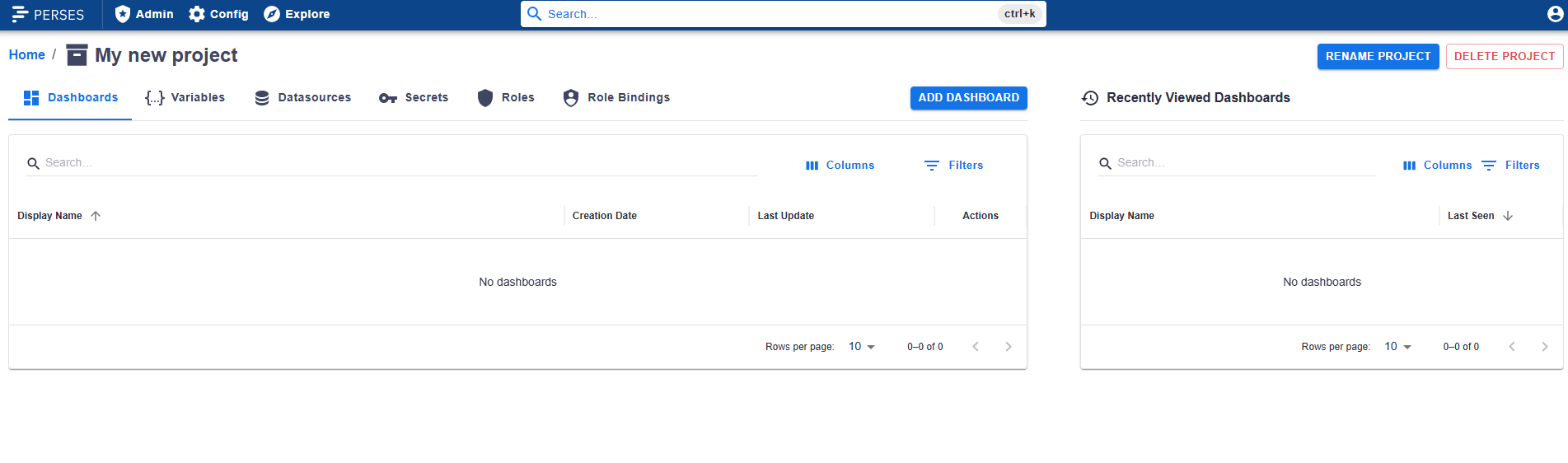
Once there you have the options to rename or delete your project.

You can also organize dashboards into folders to browse them as a tree inside the project.
Using the CLI#
You can create, read, update, or delete projects using the CLI. Refer to the Project API documentation for details on the data model and available endpoints.
Project Permissions#
When a user creates a project, they are automatically assigned the Owner role for it. Owners have full control over the project to edit, rename or delete it.